
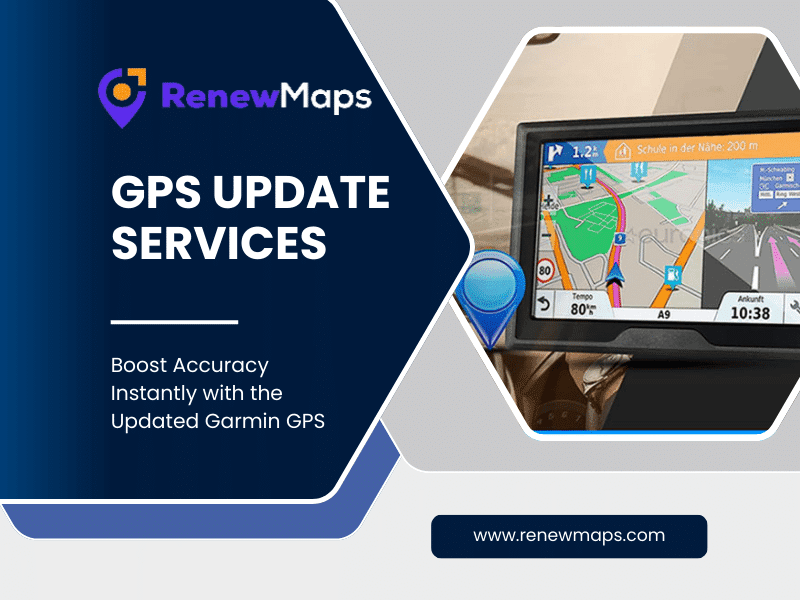
A Garmin GPS update is more than just a routine refresh. It directly impacts how accurately your device guides you, how quickly it adapts to road changes, and how reliable your navigation experience remains over time. If your Garmin GPS is showing outdated routes, missing new roads, or giving confusing directions, an update is no longer optional.
This guide explains why Garmin GPS updates matter, how they improve navigation accuracy, and what users should know before updating their device.
Why a Garmin GPS Update Is Essential Today
Road networks change constantly. New highways open, speed limits change, exits are rerouted, and construction zones appear without warning. When your Garmin GPS runs on outdated maps, it relies on old data that no longer reflects real driving conditions.
A timely Garmin GPS update helps ensure:
- Correct turn-by-turn directions
- Accurate lane guidance
- Updated points of interest such as fuel stations, restaurants, and parking
- Reduced chances of wrong turns or unnecessary detours
For drivers who rely on GPS daily, outdated maps can lead to delays, missed exits, and frustration.
Signs Your Garmin GPS Needs an Update
Many users don’t realize their device needs an update until problems appear. Common signs include:
- Routes that avoid newly built roads
- Incorrect arrival times
- Missing landmarks or POIs
- Repeated recalculations during navigation
- Directions that no longer match road signs
If you notice any of these issues, a Garmin GPS update is likely overdue.
What Changes After a Garmin GPS Update?
Updating your Garmin GPS does more than refresh maps. It enhances the overall performance of the device.
Improved Route Accuracy
Updated maps include newly added roads, closed routes, and modified intersections, helping the GPS calculate smarter paths.
Better Navigation Prompts
Voice guidance and on-screen alerts become more precise, especially in complex intersections and highway exits.
Updated Speed Limits and Alerts
New speed limit data improves safety alerts and helps avoid unnecessary fines.
Expanded Points of Interest
Recent updates add new hotels, charging stations, restaurants, and service centers, making travel more convenient.
How Garmin GPS Updates Work
Garmin releases map updates periodically to reflect real-world changes. These updates are designed for different device models and regions.
Depending on your Garmin device:
- Some models support lifetime map updates
- Others may require a manual update process
- Older devices may need extra storage preparation before updating
Ensuring compatibility between your device and the latest map version is important before starting the update.
Common Problems During a Garmin GPS Update (And How to Avoid Them)
Many users face issues during updates, often due to small but critical mistakes.
Insufficient Storage Space
Map files are large. If your device lacks free space, updates may fail or install partially.
Tip: Remove unused maps or add external storage if supported.
Interrupted Update Process
Disconnecting the device mid-update can corrupt map data.
Tip: Keep your device connected until the update finishes completely.
Outdated Software
Running an older system version can cause compatibility issues.
Tip: Ensure your Garmin software is current before applying map updates.
Garmin GPS Update for Different Driving Needs
Not all users rely on GPS the same way. Garmin updates support various driving scenarios.
Daily Commuters
Updated traffic flow data and road layouts help reduce travel time and avoid congestion.
Long-Distance Travelers
Accurate highway exits, fuel stops, and rest areas improve trip planning.
Commercial Drivers
Updated truck-specific routes, weight restrictions, and road regulations support safer navigation.
How Often Should You Update Your Garmin GPS?
Garmin typically releases map updates multiple times a year. However, how often you update depends on how frequently you drive and where you travel.
- City drivers should check for updates regularly due to frequent road changes
- Highway travelers can update periodically but should not skip major releases
- Professional drivers should always keep maps current
Staying updated ensures consistent navigation performance.
Garmin GPS Update vs Smartphone Navigation Apps
Some users wonder whether GPS devices are still necessary when smartphone apps exist.
Garmin GPS devices offer:
- Offline navigation without mobile data
- Stable performance in low-signal areas
- Dedicated hardware built for long drives
- No dependency on phone battery life
With regular updates, a Garmin GPS remains a reliable navigation companion.
Tips to Get the Best Results After Updating
Once your Garmin GPS update is complete, a few checks help maximize accuracy:
- Restart the device
- Verify map version in settings
- Test navigation on a familiar route
- Re-enter saved destinations if needed
These small actions ensure the update functions correctly.
Final Thoughts
A Garmin GPS update plays a crucial role in maintaining accurate navigation, reducing driving stress, and improving overall road safety. Ignoring updates can lead to outdated directions and unreliable routes, while staying current ensures smoother journeys and better driving decisions.
If your Garmin GPS hasn’t been updated recently, now is the right time to refresh your maps and experience clearer directions with confidence.
FAQs
Q1. Does a Garmin GPS update improve accuracy?
Yes, updated maps reflect current road conditions, improving route calculation and navigation accuracy.
Q2. Can outdated maps cause wrong directions?
Absolutely. Old map data often leads to incorrect routes and missed exits.
Q3. Are Garmin GPS updates important for short trips?
Even short trips benefit from updated road layouts, speed limits, and local POIs.